
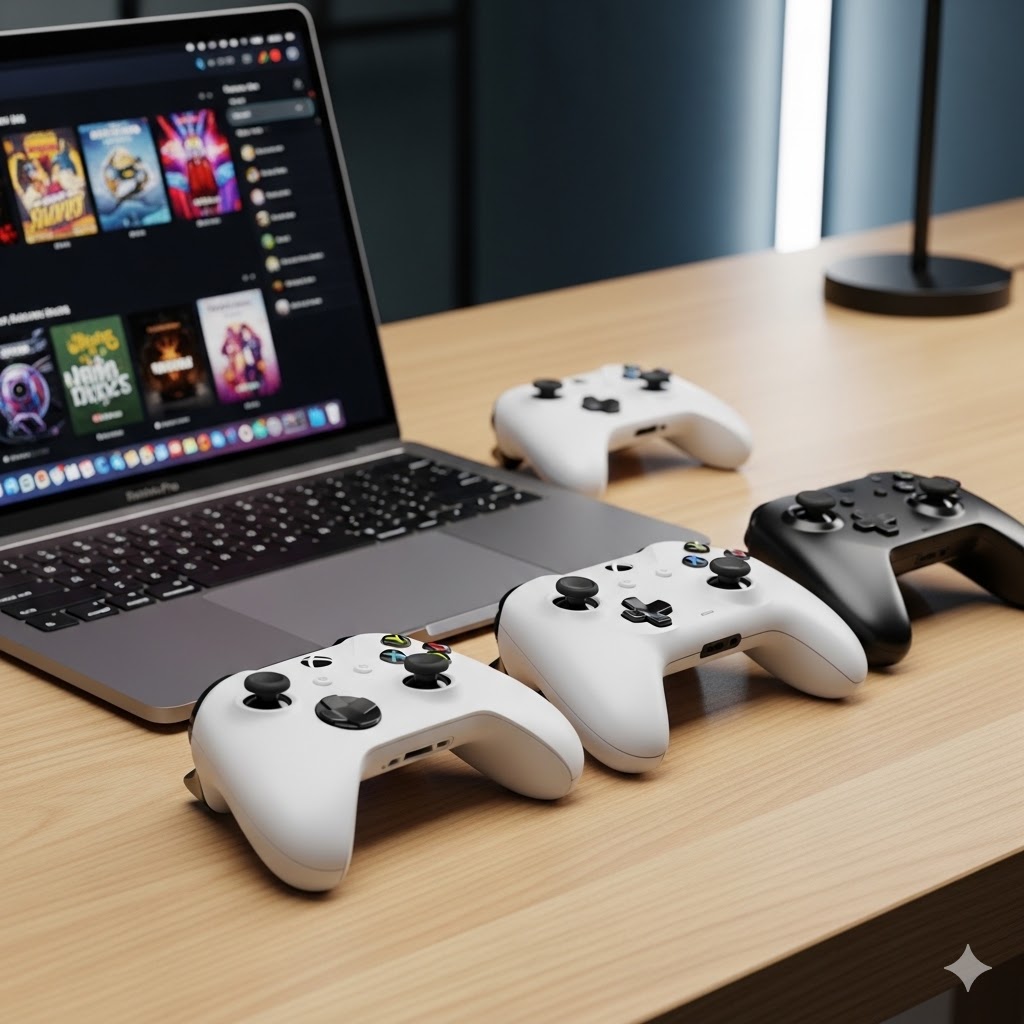
Best Controllers for Gaming on Mac
Gaming on a Mac has changed. Native Metal titles run properly. Steam works reliably. Even some Windows games can be playable through translation layers. But one thing still separates a smooth experience from a frustrating one: controller compatibility. s macOS becomes more popular among gamers and game developers alike, choosing the right controller becomes critical to your Mac gaming experience.
macOS supports modern controllers well, but not all of them behave equally. Some pair instantly and work across the system. Others connect but require Steam configuration. A few still have inconsistent input mapping depending on the game. For the first time buyer, this can be quite an overwhelming decision to make. Worry not, MacGamingLabs got you covered. If you’re gaming on a MacBook or Mac mini in 2026, these are the controllers that actually make sense.
Xbox Wireless Controller – The Safest Overall Choice
Made by Microsoft, the Xbox Wireless Controller remains the most frictionless option for macOS. Apple has supported Xbox controllers natively for several macOS versions now. Pairing is simple over Bluetooth, and button mapping works correctly in most modern games without configuration.
Here’s why the Xbox Wireless Controller works well on Mac:
- Native macOS support including Apple Arcade
- Strong compatibility with Steam
- Reliable Bluetooth connection
- Widely recognised button prompts in games
For native Mac titles, like Cyberpunk 2077, controller input behaces predictably. Even for games running through Rosetta 2, Xbox controllers tend to work with minimal setup. While we agree this is the most boring choice, but it is also the choice that will give you the least headaches.
PlayStation DualSense – Best for Build Quality and Haptics
From Sony, the DualSense controller is arguably the best-feeling controller on the market. It fits the palms much better than the Xbox controller, the smaller size helps. The triggers are much more advanced than Xbox triggers, supporting pressure-sensitive inputs and resistance. This inevitably helps in immersion and feel of a game. Not all games support it though, only some do. But when it does, the haptic feedback elevates the experience. There is a touchpad too, which can be used as a mouse pointer. The DualSense controller also has a small speaker, but currently there are no games that support it. The controller has a symmetrical stick layout unlike the Xbox controller, which a lot of people prefer.
Here’s when you should choose the DualSense controller
- Premium build quality, better analog stick precision
- Advanced features that depend on game support
- Strong battery life on Bluetooth
- You prefer symmetrical layout
However, due to lack of native support, button prompts in some games default to Xbox layouts. Sure, this can be mitigated using Steam, but it’s an extra step that costs valuable time.
8BitDo Pro 2 – If You’re Feeling Rebellious
The 8BitDo Pro 2 is one of the most versatile controllers for Mac. It supports multiple input modes, including x-input. X-input makes the Pro 2 behave like an Xbox controller, so you can enjoy almost native-like support. Unlike the Xbox and DualSense controller, the 8BitDo Pro 2 has back paddles and customisable profiles through its companion software which is available natively for macOS. It is offering all these features at a price lower than both the Xbox and DualSense controller.
Go for the 8BitDo Pro 2 if:
- Value for money
- Amazing support across multiple devices: macOS, Windows, consoles, mobile phones
- Extra buttons and customisable profiles
- Solid build quality
- Balanced design and layout
8BitDo has been seeing success in good degrees with its controllers across the world, and if you’re tired of the same old controller options like the Xbox and DualSense controller, you will right at home with the Pro 2 controller.
Wired vs Bluetooth on Mac
Bluetooth works reliably for most modern controllers on macOS, but wired USB-C connections reduce latency slightly and eliminate battery concerns. For competitive gaming, wired connections are still preferable. During your controller experience, you will be exposed to both wireless and wired modes whether you like it or not. Chances are if you’re using the controller wireless, you’ll probably by charging it using your Mac machine. Followed by gaming while the controller is charging. So you can probably judge the latency experience yourself. For me, the wired mode definitely seemed snappier while I was playing Cyberpunk 2077 on my M1 MacBook Pro.
On Mac mini setups where the machine is desk-bound, wired often makes more sense. On MacBooks used casually or on a couch, Bluetooth is convenient and stable.
Native vs Translated Games
Controller behavior is most consistent in native Metal games. In those cases, input handling is direct and predictable. For Rosetta 2-based titles, controller support usually remains solid because the translation happens at the CPU level rather than input level. For GPTK-based Windows games, results vary more. Steam input often helps normalize behavior, but occasional mapping quirks can appear depending on the title.
If your gaming on Mac leans heavily toward translated Windows titles, sticking to Xbox or DualSense reduces variables.
What to Avoid
Cheap no-name Bluetooth controllers often introduce pairing issues, inconsistent dead zones, or random disconnects. Add to that, a cheap feel with terrible button tactility. macOS expects standardised input profiles. Deviating from widely supported controller types increases friction. If reliability matters, stick to mainstream controllers with official macOS or Steam support. If you’re willing to jump the hoops of non-official OS support,
